Reading Time: 14 min

Making PDFs Accessible: A Complete Guide to Inclusive Documents

Document Processing
February 14, 2025

Learn how to create accessible PDFs that work for everyone, including screen reader users. Essential WCAG compliance tips for document creators.
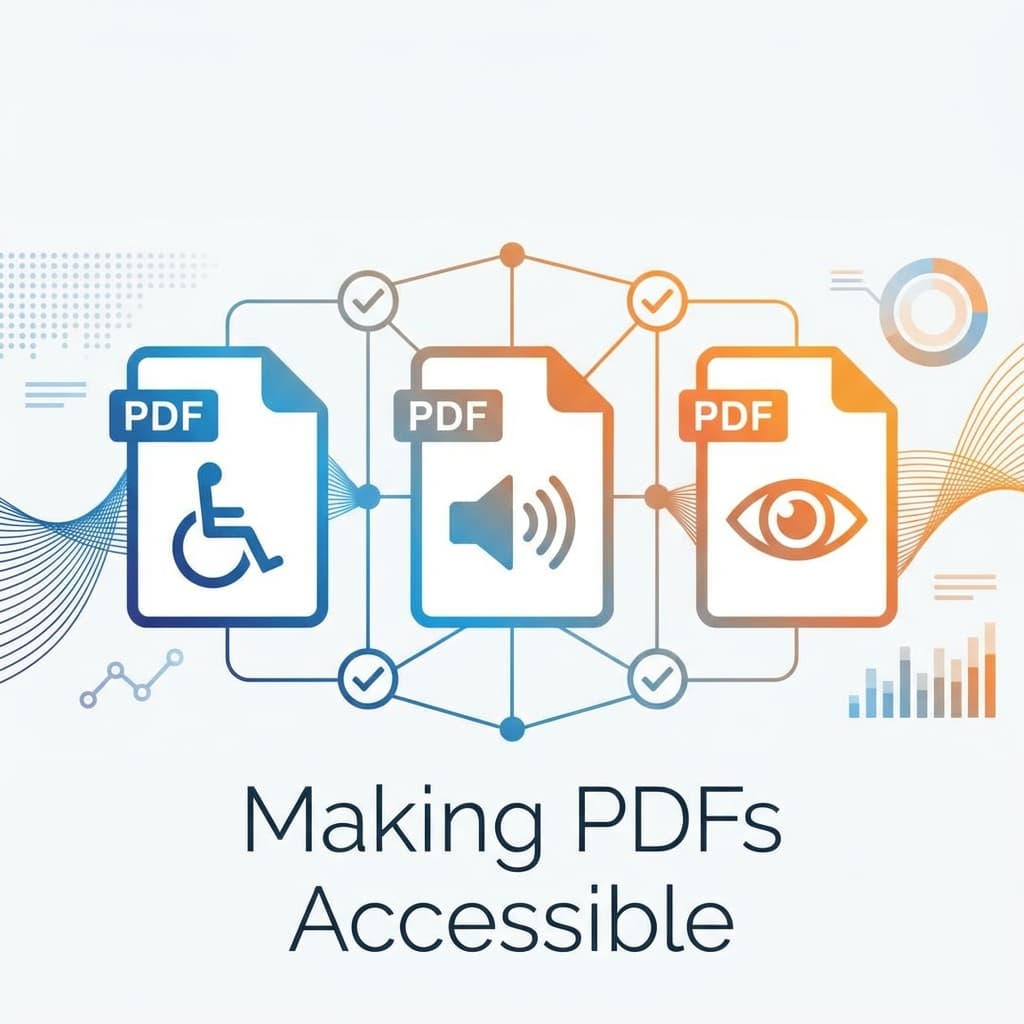
Making PDFs Accessible: A Complete Guide to Inclusive Documents

Over 1 billion people worldwide have disabilities that may affect how they access digital content. Creating accessible PDFs isn't just good practice—it's often a legal requirement.

Why PDF Accessibility Matters

Accessible PDFs benefit everyone:

  • Screen reader users can navigate and understand content
  • Keyboard-only users can interact with forms and links
  • Users with low vision can zoom without losing content
  • Search engines can better index your content

Key Accessibility Features

Essential elements for accessible PDFs:

1. Document Structure

  • Proper heading hierarchy (H1, H2, H3)
  • Logical reading order
  • Bookmarks for navigation
  • Table of contents for long documents

2. Alternative Text

  • Describe all meaningful images
  • Mark decorative images as artifacts
  • Include alt text for charts and graphs

⚠️ Common Accessibility Issues:

  • Scanned PDFs without OCR text
  • Missing language specification
  • Poor color contrast
  • Unlabeled form fields

Creating Accessible PDFs

Start with accessibility in mind:

  1. Use structured heading styles in your source document
  2. Add alt text to images before converting to PDF
  3. Use proper table headers for data tables
  4. Ensure sufficient color contrast (4.5:1 minimum)
  5. Include a document title and language

Testing Accessibility

Verify your PDFs are accessible:

  • Use Adobe Acrobat's Accessibility Checker
  • Test with a screen reader (NVDA, JAWS, VoiceOver)
  • Check PAC (PDF Accessibility Checker) tool
  • Validate against WCAG 2.1 guidelines

💡 Pro Tip:

When converting documents to PDF using ConvertifyHub, start with properly structured source documents to maintain accessibility features in the output.
Tags

PDF
Accessibility
WCAG
Compliance
Inclusive Design

Ready to Get Started?

Try ConvertifyHub's powerful conversion tools and experience the difference. Convert your files with professional quality and lightning-fast speed.

Related Articles

PDF Optimization: Reducing File Size Without Quality Loss
Document Processing

PDF Optimization: Reducing File Size Without Quality Loss

Learn advanced PDF optimization techniques to dramatically reduce file sizes while maintaining document quality. Perfect for web publishing and email distribution.

Jan 14
16m
Digital Asset Management: Organizing and Converting Media Libraries
Document Processing

Digital Asset Management: Organizing and Converting Media Libraries

Build efficient workflows for managing thousands of digital assets. Learn organization strategies, metadata management, and automated conversion pipelines.

Jan 5
22m
Document Security: Watermarking and Password Protection
Document Processing

Document Security: Watermarking and Password Protection

Implement comprehensive document security with watermarking, encryption, digital signatures, and access controls to protect sensitive information.

Jan 16
18m

Stay in the Loop

Get weekly insights on file conversion, optimization tips, and industry trends.

Popular Tags
WebP
AVIF
Performance
PDF
Conversion
Optimization
Video
Compression
QR Codes
Mobile
Productivity
Excel
CSV
Audio
MP3
FLAC
Security
Automation
Workflow
Batch Processing
AI
Machine Learning
Cloud Storage
Typography
3D Models

Community Stats

40+
Articles
50K+
Readers

Article Details

Category:Document Processing
Reading Time:14 min
Published:Feb 14

Related Tags

PDFAccessibilityWCAGComplianceInclusive Design

Ready to Master File Conversion?

Join thousands of professionals who trust ConvertifyHub for their file conversion needs. Start exploring our comprehensive guides today.