
Reading Time: 12 min

WebP Image Optimization: The Ultimate Guide for Faster Websites

Image Optimization
February 10, 2025

Learn how to leverage WebP format to dramatically reduce image file sizes and improve website loading times. Complete guide with practical examples and best practices.
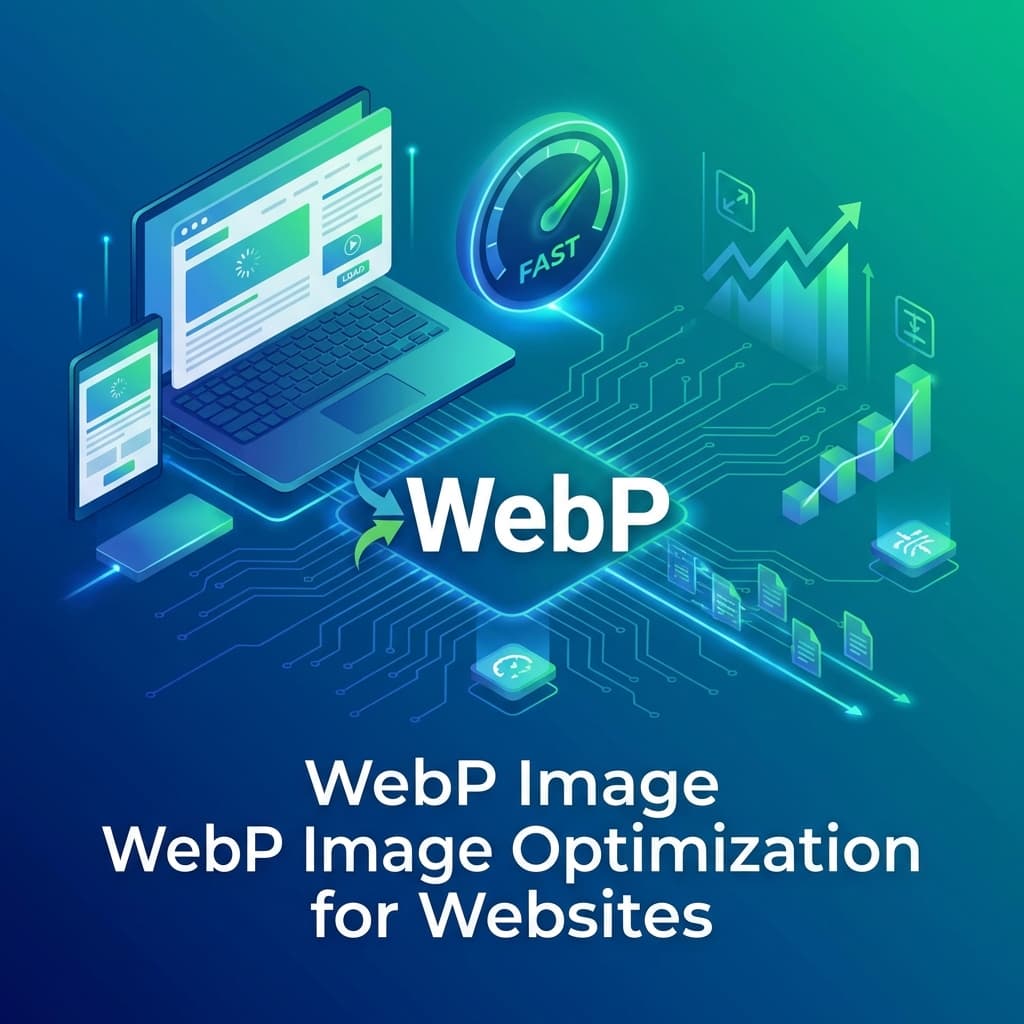
WebP Image Optimization: The Ultimate Guide for Faster Websites

WebP has become the gold standard for web images, offering exceptional compression without sacrificing quality. This guide shows you how to implement WebP optimization for maximum website performance.

Why WebP Matters for Your Website

Google developed WebP specifically for the web, and it delivers impressive results:

  • 25-35% smaller file sizes compared to JPEG at equivalent quality
  • 26% smaller than PNG for lossless compression
  • Full transparency support unlike JPEG
  • Animation support better than GIF

Browser Support in 2025

WebP now enjoys over 97% browser support worldwide. The remaining 3% are outdated browsers that you should provide fallbacks for.

✅ Fully Supported:

  • Chrome (since 2014)
  • Firefox (since 2019)
  • Safari (since 2020)
  • Edge (since 2018)
  • All modern mobile browsers

Optimal Quality Settings

The key to WebP optimization is finding the right balance:

  • Quality 80-85: Best for most photos - virtually indistinguishable from original
  • Quality 70-75: Great for thumbnails and background images
  • Quality 90+: Use for hero images and product photography
  • Lossless: Use for graphics, logos, and screenshots

Implementation Best Practices

Use the HTML picture element for progressive enhancement:

<picture>
  <source srcset="image.webp" type="image/webp">
  <source srcset="image.jpg" type="image/jpeg">
  <img src="image.jpg" alt="Description">
</picture>

Performance Impact

Real-world results from switching to WebP:

  • Average page load time reduced by 30-40%
  • Improved Core Web Vitals scores
  • Lower bandwidth costs
  • Better mobile experience

💡 Pro Tip:

Use ConvertifyHub's batch image converter to convert your entire image library to WebP in seconds. Our tool preserves quality while maximizing compression.
Tags

WebP
Performance
Web Development
Core Web Vitals
Image Compression

Ready to Get Started?

Try ConvertifyHub's powerful conversion tools and experience the difference. Convert your files with professional quality and lightning-fast speed.

Related Articles

The Complete Guide to Modern Image Formats: WebP, AVIF, and Beyond
Image Optimization

The Complete Guide to Modern Image Formats: WebP, AVIF, and Beyond

Discover the latest image formats that can reduce file sizes by up to 50% while maintaining superior quality. Learn when and how to use WebP, AVIF, and JPEG XL.

Jan 15
8m
Image Batch Processing: Automating Your Workflow
Image Optimization

Image Batch Processing: Automating Your Workflow

Streamline your image processing workflow with advanced batch operations. Learn to resize, convert, and optimize hundreds of images simultaneously while maintaining quality.

Jan 9
14m
Color Space Conversion: Managing Digital Color Accuracy
Image Optimization

Color Space Conversion: Managing Digital Color Accuracy

Master color space conversion between sRGB, Adobe RGB, ProPhoto RGB, and CMYK. Ensure accurate colors across different devices, media, and printing processes.

Jan 7
16m

Stay in the Loop

Get weekly insights on file conversion, optimization tips, and industry trends.

Popular Tags
WebP
AVIF
Performance
PDF
Conversion
Optimization
Video
Compression
QR Codes
Mobile
Productivity
Excel
CSV
Audio
MP3
FLAC
Security
Automation
Workflow
Batch Processing
AI
Machine Learning
Cloud Storage
Typography
3D Models

Community Stats

40+
Articles
50K+
Readers

Article Details

Category:Image Optimization
Reading Time:12 min
Published:Feb 10

Related Tags

WebPPerformanceWeb DevelopmentCore Web VitalsImage Compression

Ready to Master File Conversion?

Join thousands of professionals who trust ConvertifyHub for their file conversion needs. Start exploring our comprehensive guides today.