
Reading Time: 15 min

Video Editing Tips for Beginners: From Raw Footage to Polished Content

Video Processing
February 12, 2025

Master the fundamentals of video editing with practical tips for trimming, cutting, transitions, and exporting. Perfect for content creators and social media managers.
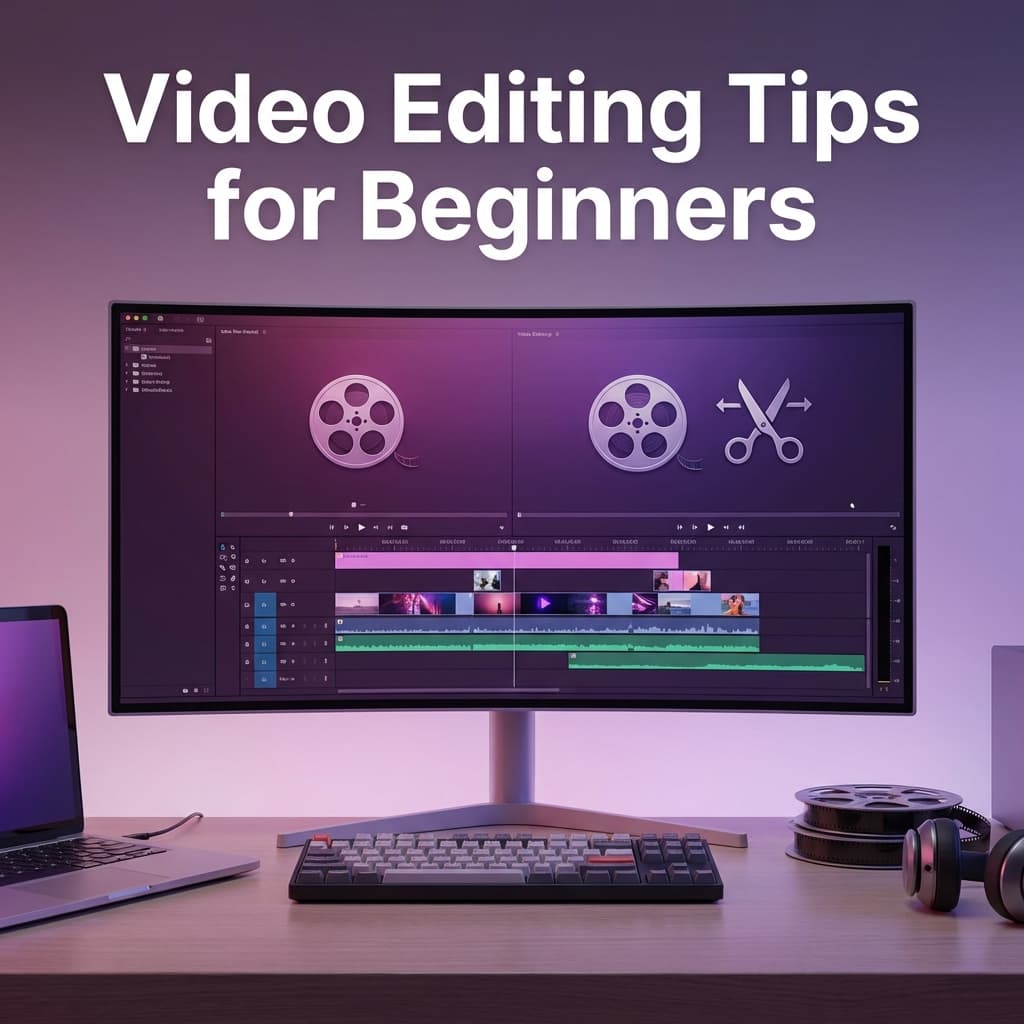
Video Editing Tips for Beginners: From Raw Footage to Polished Content

Video content dominates the internet, and knowing how to edit videos effectively is an essential skill. This beginner's guide covers everything you need to create professional-looking videos.

Essential Video Editing Concepts

Before diving into tools, understand these fundamentals:

  • Timeline: The foundation of video editing - where you arrange clips
  • Cuts: Basic transitions between clips (J-cut, L-cut, jump cut)
  • Trimming: Removing unwanted parts from the beginning or end
  • Splitting: Dividing a clip into multiple segments

The Video Editing Workflow

Follow this proven workflow for efficient editing:

  1. Import: Transfer footage to your project
  2. Organize: Create folders for different types of media
  3. Rough Cut: Arrange clips in basic order
  4. Fine Cut: Refine timing and flow
  5. Add Audio: Music, voiceover, sound effects
  6. Color Correction: Adjust colors for consistency
  7. Export: Render the final video

🎬 Quick Editing Tips:

  • Cut on action for seamless transitions
  • Keep clips short for social media (under 60 seconds)
  • Use keyboard shortcuts to speed up workflow
  • Always preview before exporting

Common Video Formats

Understanding formats helps you export correctly:

  • MP4 (H.264): Universal format, great compression
  • MOV: Apple's format, maintains quality
  • WebM: Optimized for web playback
  • GIF: Short loops, no audio

Export Settings by Platform

Optimize your exports for each platform:

  • YouTube: 1080p or 4K, H.264, High bitrate
  • Instagram: Square (1:1) or vertical (4:5), max 60 seconds for feed
  • TikTok: Vertical (9:16), up to 10 minutes
  • Twitter/X: Landscape or square, under 2:20

💡 Pro Tip:

Use ConvertifyHub's video trimmer and converter to quickly prepare your footage for different platforms without complex editing software.

Tags

Video Editing
Beginners
Social Media
Content Creation
Tutorial

Ready to Get Started?

Try ConvertifyHub's powerful conversion tools and experience the difference. Convert your files with professional quality and lightning-fast speed.

Related Articles

Video Format Conversion: From Legacy to Modern Codecs
Video Processing

Video Format Conversion: From Legacy to Modern Codecs

Navigate the complex world of video formats and codecs. Learn how to convert between MP4, AVI, MOV, and emerging formats while optimizing for quality and compatibility.

Jan 11
18m
Video Streaming Optimization: Adaptive Bitrate and CDN Integration
Video Processing

Video Streaming Optimization: Adaptive Bitrate and CDN Integration

Master video streaming optimization with adaptive bitrate encoding, CDN integration, and advanced delivery techniques for global audiences.

Jan 17
20m

Stay in the Loop

Get weekly insights on file conversion, optimization tips, and industry trends.

Popular Tags
WebP
AVIF
Performance
PDF
Conversion
Optimization
Video
Compression
QR Codes
Mobile
Productivity
Excel
CSV
Audio
MP3
FLAC
Security
Automation
Workflow
Batch Processing
AI
Machine Learning
Cloud Storage
Typography
3D Models

Community Stats

40+
Articles
50K+
Readers

Article Details

Category:Video Processing
Reading Time:15 min
Published:Feb 12

Related Tags

Video EditingBeginnersSocial MediaContent CreationTutorial

Ready to Master File Conversion?

Join thousands of professionals who trust ConvertifyHub for their file conversion needs. Start exploring our comprehensive guides today.