
Tags
Privacy
Security
Client-Side Processing
WebAssembly
Data Protection
GDPR
Before uploading your tax documents, financial records, or personal photos to an online converter, discover how cloud file converters work, what happens to your data, and how in-browser processing protects you.
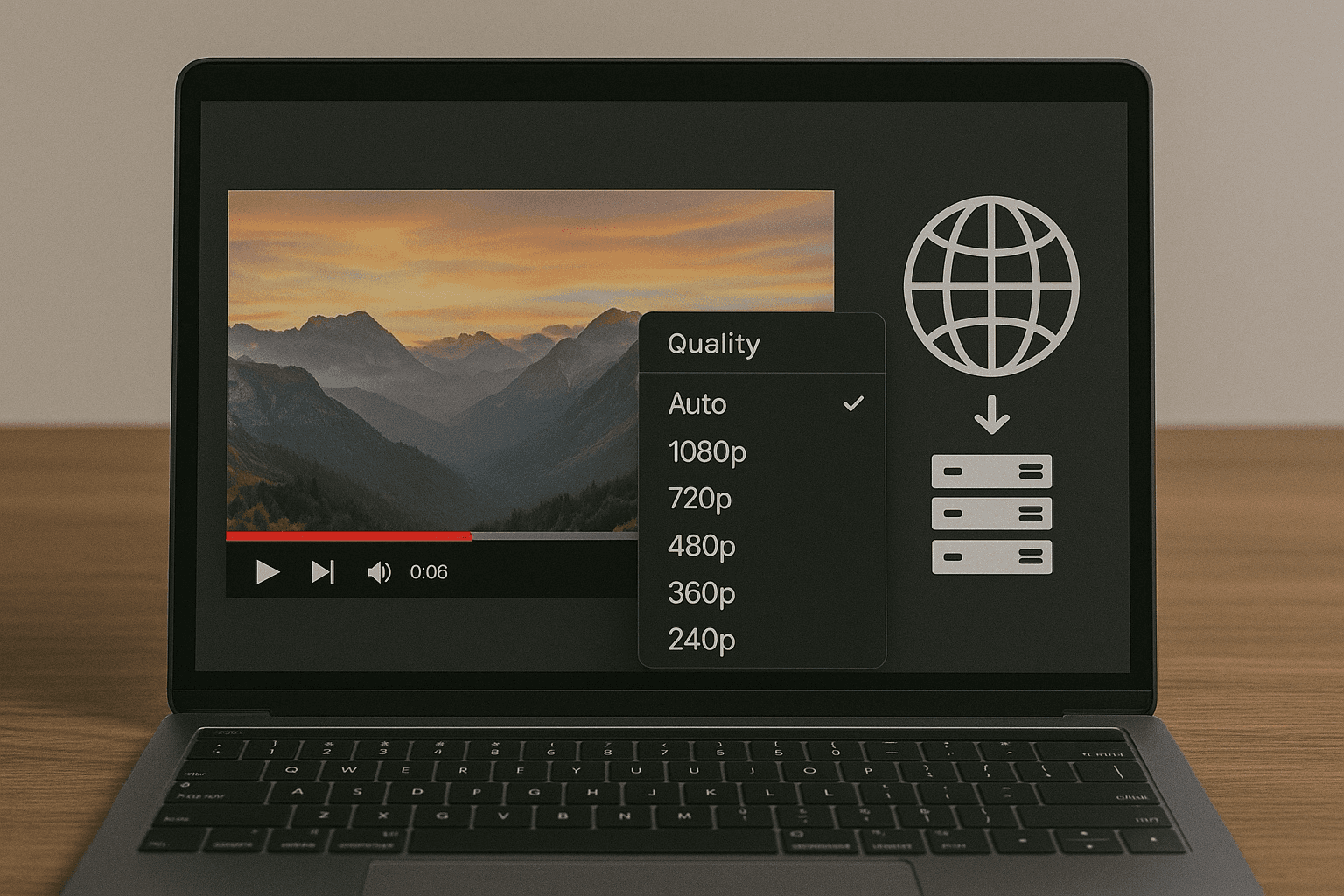
Every day, millions of people search for 'free online file converter' to change a PDF, compress a video, or convert a batch of images. But have you ever stopped to consider what actually happens to your files after you click 'Upload'? When you convert a bank statement, an employment contract, a medical scan, or confidential business proposals on the internet, who has access to your data? In this investigative guide, we break down how traditional cloud file converters operate, the security vulnerabilities you expose yourself to, and why client-side in-browser conversion is revolutionizing file privacy.
Most popular online converters (such as CloudConvert, Convertio, Zamzar, and FreeConvert) rely on a server-side processing architecture:
While reputable converters claim to delete uploaded files after 1 to 24 hours, server-side processing introduces serious vulnerabilities:
Even if an online converter's marketing promises to 'delete your files after 1 hour,' automated deletion scripts can fail, and backups or debug log files often persist for weeks or months. If an S3 bucket is misconfigured or a server experiences a breach, your private documents can be exposed to unauthorized parties.
Many 'free' online converter sites monetize their traffic through ad networks, data brokers, or telemetry collection. Some free tools include fine print in their Terms of Service granting them rights to aggregate, analyze, or process uploaded content for analytical or machine learning purposes.
Any time a file travels across public Wi-Fi networks or through corporate proxies to reach a remote server, it is vulnerable to network interception if TLS certificates or encryption ciphers are outdated.
For business users, uploading client records, patient health information, or proprietary source code to unvetted cloud converters often violates compliance regulations, resulting in severe corporate liabilities and data governance breaches.
Thanks to modern advancements in WebAssembly (WASM) and Web Workers, file conversion no longer requires transmitting files to a remote server. This is the architectural philosophy behind ConvertifyHub's In-Browser Converter.
Instead of sending your file to our server, ConvertifyHub downloads a lightweight, compiled conversion engine directly into your web browser once. Your device's own CPU and memory process the conversion inside a secure sandboxed environment.
Before you upload a sensitive file to any website, run through this 5-point safety checklist:
| Security Aspect | Traditional Cloud Converters | ConvertifyHub (In-Browser) |
|---|---|---|
| File Upload to Remote Server | Yes (Transmitted over Internet) | Never (0 bytes uploaded) |
| Server Data Retention | Stored on cloud storage for 1-24 hours | None (Files never touch any server) |
| Works Offline | No (Requires constant internet connection) | Yes (Functions even in Airplane Mode) |
| GDPR & Privacy Compliance | Requires Data Processing Agreements (DPA) | 100% Compliant by Design (Zero Data Collection) |
| File Size Limitations | Usually restricted to 25MB-50MB without paid tier | Limited only by your device's RAM |
No. We physically cannot see your files because our web servers never receive them. All processing happens on your local processor inside your web browser sandbox.
You can easily verify this yourself! Open your browser's Developer Tools (press F12 or right-click and select 'Inspect'), navigate to the Network tab, and convert any file on ConvertifyHub. You'll see that no large file transfer or upload POST request occurs. Alternatively, load the converter page, turn off your Wi-Fi, and convert a file—it will work completely offline!
Read our in-depth comparisons against traditional cloud converter platforms:
No servers, no tracking, and no privacy compromises. Fast, free file conversion right inside your browser.
Start Converting Securely →Get weekly insights on file conversion, optimization tips, and industry trends.
Join thousands of professionals who trust ConvertifyHub for their file conversion needs. Start exploring our comprehensive guides today.