Image Scraping for Designers
Collect design inspiration, extract visual assets, and build moodboards from any website. The essential image extraction tool for UI/UX designers, graphic artists, and creative professionals.
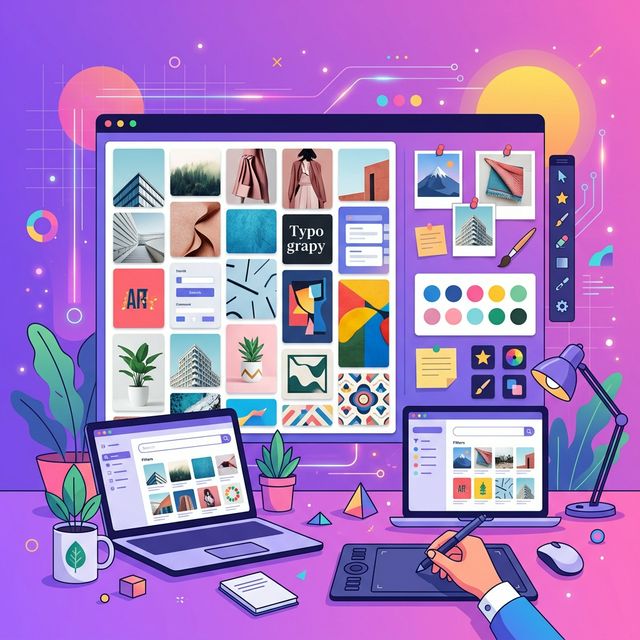
Moodboard Creation
Collect visual references from multiple websites to build cohesive moodboards for client presentations and brainstorming sessions.
Competitive Analysis
Extract UI components, icons, and visual styles from competitor websites to understand design trends and positioning.
Style Guide Research
Download logos, icons, and brand assets from companies to study their visual language and design systems.
Asset Collection
Gather icons, illustrations, and graphic elements from inspiration galleries for your design library.
Browse Inspiration Sources
Visit design galleries like Dribbble, Behance, Awwwards, or competitor websites that inspire your project.
Extract Visual Assets
Paste the URL into ConvertifyHub and extract all images, icons, and graphical elements from the page.
Filter for What You Need
Use format filters (SVG for vectors, PNG for transparency, JPG for photos) and size filters to find the right assets.
Organize Your References
Download selected assets as a ZIP file. Import into Figma, Sketch, or your design tool of choice to build moodboards.
SVG
Icons, logos, illustrations — scalable without quality loss
💡 Ideal for UI components and brand assets
PNG
Graphics with transparency — UI elements and overlays
💡 Best for screenshots and mockup assets
WebP
Modern web graphics — smaller files with great quality
💡 Convert to PNG if your design tool doesn't support WebP
JPG
Photography and hero images — high quality with compression
💡 Look for large dimensions (1920px+) for hi-res references
Can I use extracted images in my commercial design projects?
It depends on the source. Always check image licenses and copyright. Public domain and Creative Commons images are safe for commercial use. For copyrighted content, use extracted images only as personal references and inspiration.
Does the tool extract SVG files from websites?
Yes! ConvertifyHub extracts SVG files alongside other formats. Use the format filter to quickly find all vector assets on a page.
How do I find high-resolution images on a website?
After extraction, sort by dimensions or file size. Images above 1920px wide are typically hi-res. Many websites serve different sizes — our tool captures the rendered version.
Can I extract images from Figma Community or Dribbble?
The tool works with publicly accessible web pages. It can extract visible images from gallery pages, but cannot access files behind login walls.