Extract Product Images for E-Commerce
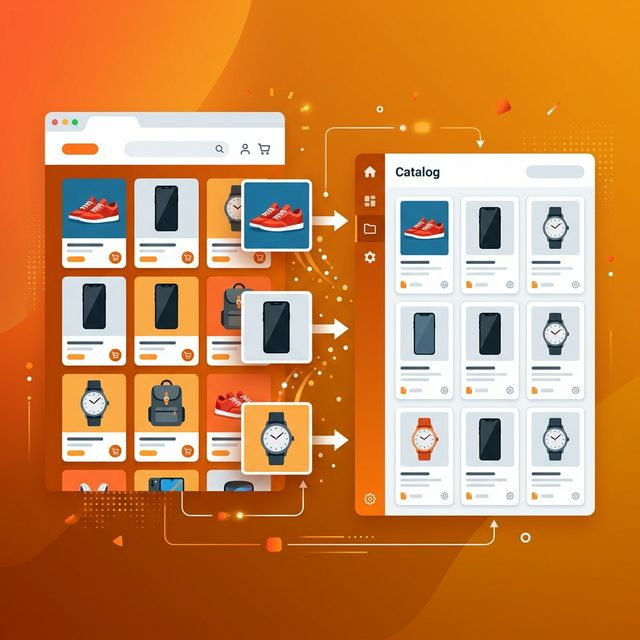
Download product photos from any online store for competitor research, catalog building, and marketplace listings. Works with Amazon, Shopify, eBay, WooCommerce, and more.
Competitor Research
Analyze how competitors present their products. Study their photography style, angles, backgrounds, and catalog layout.
Catalog Building
Compile product reference images when building your own catalog or sourcing products from suppliers and wholesalers.
Market Trend Analysis
Track visual trends in your product category — packaging styles, color schemes, and presentation techniques.
Supplier Communication
Download product reference images to share with manufacturers and suppliers to specify exactly what you need.
Navigate to the Product Page
Go to the e-commerce product listing page and copy the URL. For best results, use the product detail page rather than category listing pages.
💡 Tip: Product pages typically give you the highest resolution images.
Paste URL & Start Extraction
Open ConvertifyHub Image Extractor and paste the product page URL. Click 'Start Scraping' to begin.
💡 Tip: The tool works with any online store — Amazon, Shopify, eBay, WooCommerce, Etsy, and custom stores.
Filter Product Images
Use the filters to separate product photos from website UI elements. Filter by size (product images are usually larger) or format.
💡 Tip: Sort by file size to find the main product hero images first.
Download & Organize
Select the product images you need and download individually or as a ZIP file. Organize them into folders by product or category.
💡 Tip: Use our Image Compressor afterward to optimize file sizes for your own listings.
Works with any publicly accessible e-commerce website or product page.
Can I extract images from Amazon and eBay?
Yes! ConvertifyHub extracts visible product images from any publicly accessible e-commerce page including Amazon, eBay, Shopify, WooCommerce, Etsy, and others.
Is it legal to download product images from online stores?
Downloading for personal research and analysis is typically acceptable. However, reusing someone else's product photos in your own listings without permission violates copyright and most platform terms of service. Always create original product photography for your own listings.
Does the tool capture high-resolution product photos?
The tool captures images at the resolution they're rendered on the page. Most e-commerce sites serve different sizes for performance. Use the size filter to identify the highest resolution versions available.
Can I extract images from multiple product pages at once?
Currently, you extract one page at a time. After the initial extraction, the tool discovers links to other pages on the same site — you can scrape those too for a comprehensive collection.
What's the best way to organize downloaded product images?
Download as ZIP files and organize by product category or brand. Use descriptive naming conventions. Our tool provides format and size information to help you identify and categorize images efficiently.
⚠️ Important Note
Always respect copyright and platform terms of service. Extracted product images should only be used for research and reference. Create your own original product photography for commercial listings.